
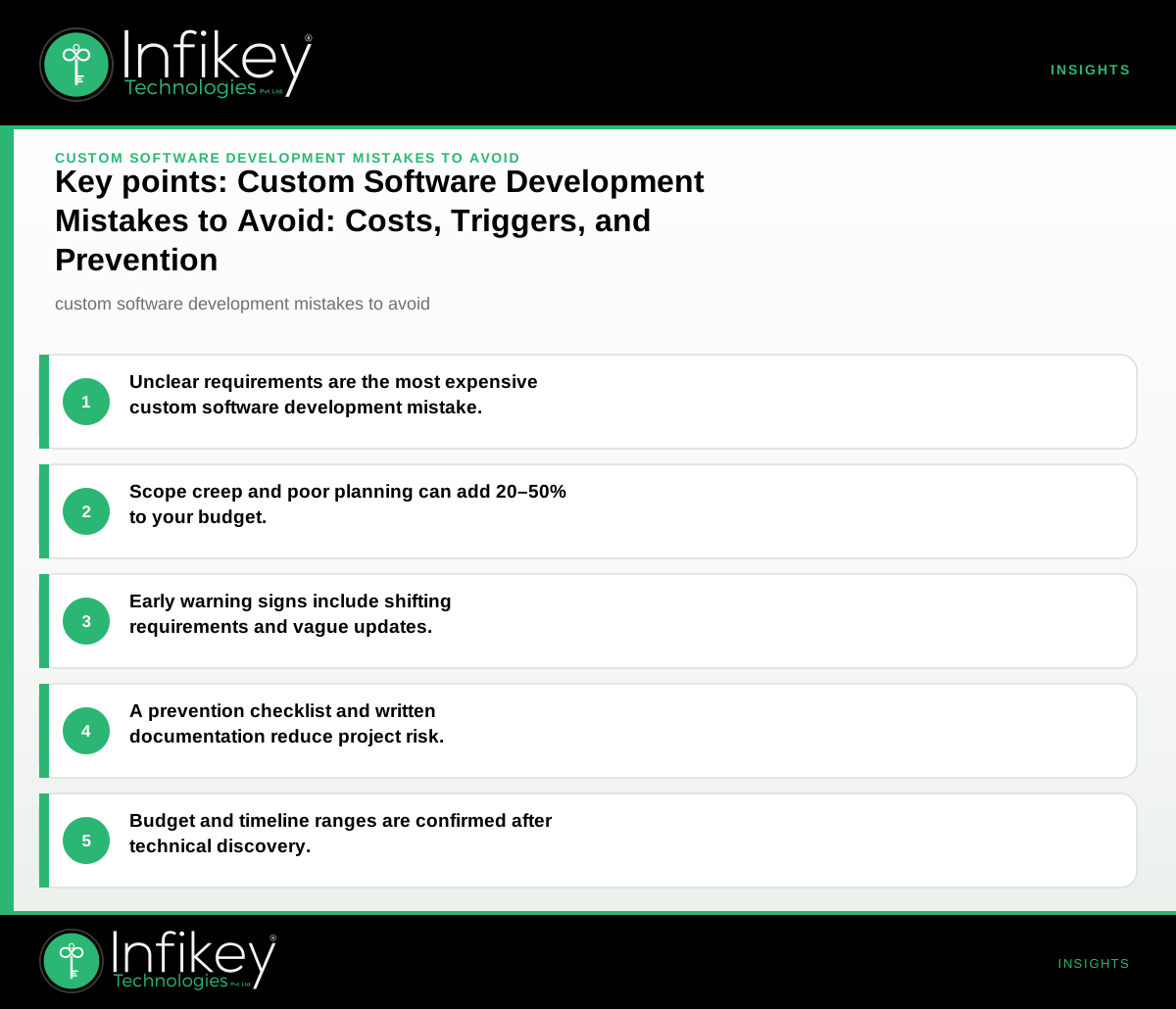
The most expensive custom software development mistake is unclear requirements and shifting scope. This leads to wasted budget, delays, and rework. To avoid it, document business needs up front, confirm priorities with all stakeholders, and insist on written sign-off before development starts.
Table: Major Custom Software Development Mistakes, Causes, Costs, and Prevention
| Mistake | Why it happens | What it costs you | How to avoid it |
|---|---|---|---|
| Unclear requirements & scope creep | Rushed planning, poor documentation | 20–50% budget overruns, missed deadlines | Detailed specs, stakeholder sign-off, change control |
| Underestimating complexity | Over-optimism, lack of technical input | Project stalls, spiralling costs | Technical discovery, phased delivery, proof of concept |
| Insufficient user involvement | Decisions made in isolation | Low adoption, costly rework | Early user testing, regular feedback cycles |
| Ignoring integration and data migration | Overlooked in planning | Broken workflows, surprise costs | Map integrations, test data flows early |
| Poor vendor communication | Time zone gaps, unclear ownership | Delays, misaligned deliverables | Set cadence, single point of contact, clear updates |
| Inadequate testing and QA | Compressed timelines, budget cuts | Bugs in production, reputational risk | Independent QA, staged releases, acceptance criteria |
| Weak documentation | Focus on delivery, not handover | Hard to maintain or scale, team dependency | Document as you go, non-technical summaries |
Understanding Custom Software Development Mistakes to Avoid
Custom software projects offer huge business value but are also prone to expensive and avoidable errors. Recognizing the most common custom software development mistakes to avoid can save your organization time, money, and frustration. Below, we explore the root causes and practical prevention strategies for each major pitfall.
Software Project Pitfalls: What Goes Wrong Most Often?
Many software project pitfalls stem from poor planning and communication. For example, starting development before requirements are fully defined often leads to scope creep in software development. This is when new features or changes are introduced mid-project, causing delays and budget overruns. Other common pitfalls include underestimating technical complexity, insufficient user involvement, and neglecting integration or data migration needs.
To mitigate these risks, it is essential to:
- Allocate time for comprehensive requirements gathering.
- Involve both business and technical stakeholders in early discussions.
- Set up regular checkpoints to validate progress and adjust plans as needed.
Scope Creep in Software Development: How It Happens and How to Control It
Scope creep refers to uncontrolled changes or continuous growth in a project's scope after development has started. It often results from unclear requirements, lack of change management, or pressure from stakeholders to add features without assessing the impact.
How to Control Scope Creep:
- Implement a formal change control process: All new requests should be documented, evaluated for impact, and require approval from key stakeholders before being added to the project.
- Maintain a prioritized feature list: Rank features by business value and only allow changes that align with strategic goals.
- Communicate the cost of changes: Make it clear how each change affects budget and timeline, helping stakeholders make informed decisions.
Requirements Gathering Mistakes: Laying the Wrong Foundation
Requirements gathering mistakes are among the most critical custom software development mistakes to avoid. Common issues include vague user stories, missing edge cases, and lack of input from end users. These mistakes can result in software that does not meet business needs, leading to expensive rework and poor adoption.
Best Practices for Requirements Gathering:
- Use visual aids like process diagrams and wireframes to clarify requirements.
- Involve representatives from all user groups to capture diverse perspectives.
- Validate requirements through prototypes or mockups before development begins.
- Document acceptance criteria for each feature to ensure clarity.
Avoiding Budget Overruns in IT Projects
Budget overruns are a frequent consequence of the software project pitfalls discussed above. When requirements change, complexity is underestimated, or integration needs are overlooked, costs can quickly spiral out of control.
How to Avoid Budget Overruns:
- Break the project into phases with clear deliverables and review points.
- Use ballpark estimates as a planning tool, but confirm final scope and commercials after a discovery phase.
- Monitor progress against budget and timeline regularly, and flag deviations early.
- Insist on transparent reporting from your vendor or internal team.
Early Warning Signs During a Project
Spotting warning signs early can help you intervene before problems escalate. Watch for these indicators of trouble:
- Requirements are still changing after development starts.
- Developers or vendors ask for repeated clarifications.
- Stakeholders are not reviewing prototypes or test builds.
- Integration tasks are postponed to the end.
- Project updates are vague, infrequent, or skip risks.
- Testing is left to the final sprint or just before launch.
- No clear documentation or handover plan is being produced.
If you see two or more of these, pause and address them immediately to avoid compounding costs.
Prevention Checklist: Avoiding Costly Software Engineering Mistakes
Following software engineering best practices is essential for project success. Use this checklist to keep your project on track:
- Define requirements in writing. Use diagrams, user stories, and acceptance criteria.
- Get stakeholder sign-off. Confirm priorities and success metrics before coding begins.
- Run a technical discovery phase. Identify integrations, data migration, and edge cases.
- Set up regular demos and feedback sessions. Involve real users early and often.
- Use a change control process. Any new feature or change must be evaluated for impact.
- Insist on independent QA. Test in stages, not just at the end.
- Document decisions and workflows. Make sure non-technical sponsors can review and approve.
Example Project Shapes: Budget and Timeline Planning
Understanding the shape and scope of your project helps in avoiding budget overruns in IT projects. Here are three common engagement types with ballpark ranges and timelines:
- Custom web application / portal: USD 15,000–60,000+, 8–20 weeks (auth, dashboards, integrations, staging + production)
- Mobile app (iOS + Android): USD 12,000–45,000, 10–18 weeks (MVP, API, store submission)
- AI feature on existing product: USD 8,000–35,000, 6–14 weeks (scoped use-case, evaluation, launch)
These are planning ranges for global buyers. Final scope and commercials are confirmed after discovery. For a tailored estimate, use the custom software cost calculator.
Questions to Ask Before You Commit
Asking the right questions can help you avoid requirements gathering mistakes and other pitfalls:
- Has every key business process been mapped and documented?
- Who owns requirements, change requests, and final sign-off?
- How will you test integrations and data migration before go-live?
- What is the escalation path if the project runs late or over budget?
- Is there a clear handover and documentation plan?
Why These Mistakes Happen in Global Delivery
Remote and cross-time-zone delivery (as with Infikey’s international clients) increases the risk of miscommunication and unclear ownership. Insist on clear documentation, regular status updates, and a single accountable contact. For USD-friendly planning, always confirm ballparks early and expect written scope before committing.
Linked Services and Next Steps
Custom software is a major investment; avoiding these mistakes protects your budget and timeline. See how Infikey Technologies Pvt. Ltd. approaches Software engineering, or contact us to discuss your project with a delivery lead. We provide documentation and estimates any non-technical sponsor can approve.
---
By understanding and actively managing these custom software development mistakes to avoid, your organization can deliver successful projects that meet business needs, stay on budget, and scale for the future. Whether you’re in Ahmedabad or anywhere in the Global, Infikey Technologies Pvt. Ltd. offers global delivery expertise across industries including financial services, healthcare, retail, manufacturing, and more. For guidance on your next project, Talk to Infikey.