
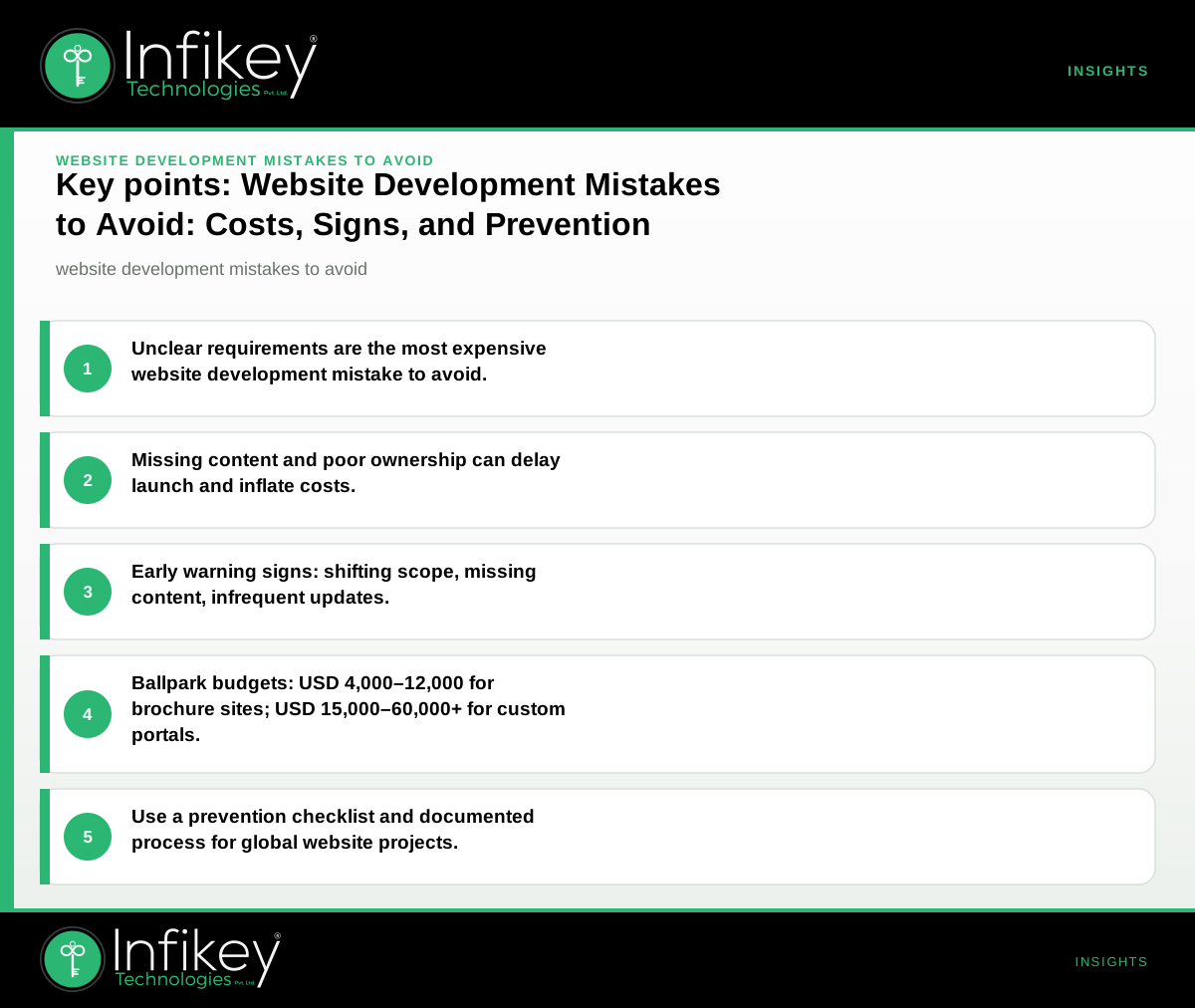
The most expensive website development mistake is unclear requirements and ownership. This leads to scope changes, delays, and spiralling costs. To avoid it, document your goals, must-haves, and decision-makers before starting. Confirm all parties agree on deliverables, timelines, and approval steps—especially if working remotely or across time zones.
Table: Website Development Mistakes to Avoid, Costs, and Fixes
| Mistake | Why it Happens | What it Costs You | How to Avoid It |
|---|---|---|---|
| Unclear requirements and ownership | Vague briefs, shifting priorities, missing stakeholders | USD 2,000–20,000+ in overruns | Lock scope, document goals, assign decision-makers |
| Underestimating content and assets | Content left to the end, no plan for images/copy | Launch delays, rushed content | Plan content early, assign owners, use a content checklist |
| No mobile/responsive design | Desktop-only focus, skipping device testing | Lost users, lower SEO, redesign | Require responsive design, test on real devices |
| Ignoring SEO and performance basics | SEO not in scope, slow hosting, no technical checklist | Poor search ranking, slow site | Include SEO/tech checks, use performance tools |
| Inadequate testing and QA | Rushed launch, no test plan, limited device coverage | Bugs in production, user loss | Schedule QA, set acceptance criteria, test on key browsers |
| Lack of documentation and handover | No admin guides, unclear support process | Hard to maintain, support costs | Require docs, admin training, clear support contacts |
| Poor change control and communication | Informal updates, no change log, unclear feedback process | Confusion, scope creep, disputes | Use change logs, regular updates, clear feedback channels |
On projects like this, we usually see the biggest overruns where requirements are vague or content is left until the end.
Early Warning Signs During a Website Project
Spotting website project mistakes early can save significant time and budget. Some common red flags include:
- Requirements keep changing but are not documented.
- Key stakeholders miss meetings or do not review deliverables.
- Content (copy, images, product data) is not ready by the agreed milestone.
- No clear test plan or acceptance criteria is in place.
- Designer and developer are not aligned on mobile/responsive priorities.
- Project updates are infrequent or unclear.
- No checklist for SEO or technical performance.
If you spot two or more of these, pause and clarify scope, owners, and next steps. This is especially important for international projects where remote communication can hide misalignment.
Website Development Mistakes to Avoid: A Deeper Look
1. Unclear Requirements and Ownership
This is the root of most website development pitfalls. When requirements are vague, teams make assumptions, leading to mismatched expectations and costly rework. Assign a single decision-maker for approvals, and insist on signed-off documentation before work begins. For global or remote projects, use collaborative tools to track changes and keep everyone aligned.
2. Underestimating Content and Asset Needs
A frequent website project mistake is leaving content creation until the end. Without a clear plan for copy, images, and data, launches get delayed or content quality suffers. Use a content checklist and assign owners for every asset. Start gathering and drafting content as soon as the sitemap is agreed.
3. Ignoring Mobile and Responsive Design
With mobile traffic accounting for a significant share globally, skipping responsive design is a critical website development mistake to avoid. Always require mobile-first or responsive layouts, and test on real devices—not just emulators. This is especially important for B2C, retail, and consumer-facing sites.
4. Neglecting SEO and Performance Basics
Ignoring SEO and site speed can undermine your investment. Technical SEO mistakes—like missing meta tags, slow load times, or poor URL structure—can hurt your search ranking and user experience. Make sure your website development checklist includes on-page SEO, image optimization, and performance audits.
5. Inadequate Testing and QA
Rushing to launch without thorough testing leads to bugs and unhappy users. Define acceptance criteria for each feature, test across all major browsers and devices, and document all issues found. A robust QA process is non-negotiable for any professional website development process.
6. Poor Documentation and Handover
Without admin guides and clear support contacts, your team may struggle to maintain or update the site post-launch. Insist on documentation for content management, key workflows, and escalation paths for support. This reduces long-term support costs and ensures continuity if team members change.
7. Weak Change Control and Communication
Informal updates and undocumented feedback can cause confusion, scope creep, and disputes. Use a change log, schedule regular project updates, and agree on a feedback process. For distributed teams, written communication is critical.
Website Development Checklist: Steps to Prevent Mistakes
A structured website development checklist helps you avoid common pitfalls:
- Define clear requirements and goals.
- Assign a decision-maker and approval process.
- Plan content and assets from the start.
- Mandate responsive/mobile design and testing.
- Include basic SEO and performance checks.
- Set acceptance criteria and a QA plan.
- Require admin documentation and support handover.
- Use regular, documented project updates.
Review this list at each project milestone to ensure nothing falls through the cracks.
Website Development Process: How Infikey Approaches Projects
At Infikey Technologies Pvt. Ltd., each website project follows a disciplined process to minimize website development mistakes to avoid:
- Discovery: Detailed requirements gathering, stakeholder interviews, and goal setting.
- Planning: Scope definition, timeline, and resource allocation. Content and asset planning starts here.
- Design: Mobile-first and responsive layouts, with early feedback loops.
- Development: SEO and performance best practices built-in from day one.
- Testing: Structured QA, cross-device and cross-browser testing, acceptance criteria validation.
- Handover: Admin training, documentation delivery, and support process setup.
- Post-launch: Ongoing monitoring, analytics, and support as per agreement.
This process is designed to address the most common website development pitfalls and ensure a smooth path from idea to launch.
Website Development Cost: Example Project Shapes and Planning Ranges
For international buyers, website development cost varies by project type, complexity, and process discipline. Here are typical Infikey-style planning ranges:
- Marketing website (brochure/service site): USD 4,000–12,000, 4–8 weeks. Includes design system, 8–15 pages, CMS, forms, and basic SEO foundations.
- Custom web application/portal: USD 15,000–60,000+, 8–20 weeks. Includes authentication, dashboards, integrations, staging, and production environments.
Final scope, timeline, and commercials are always confirmed after detailed discovery. See more on Website development.
How Website Development Cost Relates to Mistakes
Website development mistakes to avoid—like unclear requirements or poor QA—directly increase costs through rework and delays. Investing in process discipline and clear documentation upfront helps keep your project within budget.
Questions to Ask Your Website Development Partner
To avoid common website project mistakes, ask your partner:
- How will requirements and changes be documented?
- Who signs off on deliverables and milestones?
- What is the process for content and asset delivery?
- How will mobile and SEO requirements be validated?
- What documentation and support are included post-launch?
- How are project updates and changes communicated?
- What is included in your website development checklist?
- How do you handle change requests and scope adjustments?
These questions help surface potential website development pitfalls before they become costly problems.
Useful Resources
- Website development: Infikey’s approach, process, and contact.
- Contact Infikey: For a discovery call or project review.
Avoiding website development mistakes is about clarity, ownership, and process discipline. For global buyers, this means documented scope, clear communication, and structured handover. If you want a project review or a second opinion before you commit, contact Infikey or see our Website development service.